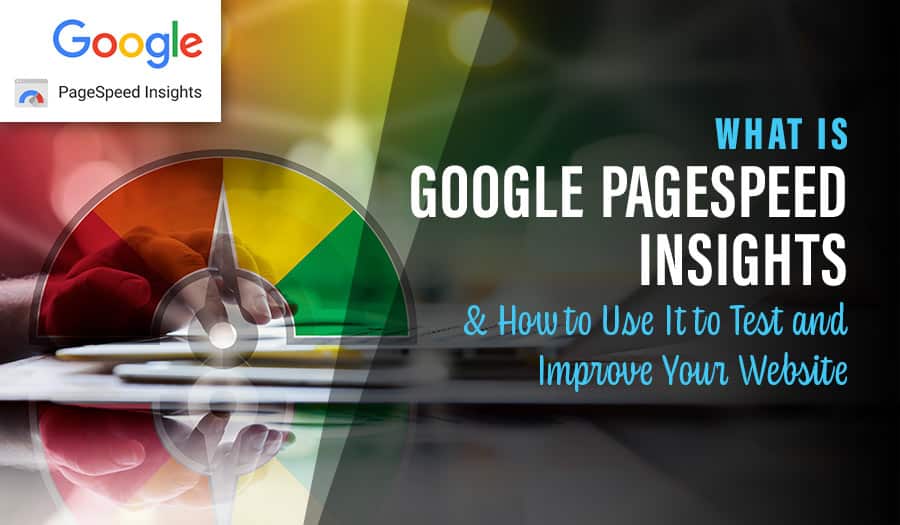

Have you ever wondered what Google PageSpeed Insights is and how it can improve your website?
When building a search engine optimised website, speed matters. If a site loads slowly, visitors often leave before engaging with the content. As a result, bounce rates rise and search rankings can drop.
However, improving website speed is not always simple. Large page elements, unoptimised images, and inefficient code often create bottlenecks. Fortunately, addressing these issues can lead to faster load times, a better user experience, and stronger search performance.
Because of this, Google offers a free tool called PageSpeed Insights. This guide explains what it is, which metrics it measures, and how you can use it to improve your website.
What Is Google PageSpeed Insights?
Google PageSpeed Insights analyses how a web page performs on both desktop and mobile devices. It then provides a performance score alongside clear recommendations for improvement.
Importantly, the tool measures how long a page takes to load and highlights specific issues that affect speed and usability. As a result, you can focus on changes that have the biggest impact.
What Key Metrics Does Google PageSpeed Measure?
Now that we understand what Google PageSpeed Insights does, let’s look at how it measures performance.
PageSpeed Insights combines real-world user data from Google’s CrUX (Chrome User Experience Report) with lab data collected by Lighthouse. Together, these datasets provide a more complete picture of performance.
Once testing finishes, the tool assigns a score between 0 and 100. This score gives a general indication of page performance. However, it uses a weighted average, meaning some metrics influence the score more than others.
Although Lighthouse does not show individual weightings, you can view them using the Lighthouse Scoring Calculator. These weightings reflect how real users perceive page speed and usability.
Some of the key metrics PageSpeed Insights measures include:
- First Contentful Paint (FCP): Measures how long it takes before the first text or image appears. Ideally, this should be 1.8 seconds or less.
- Largest Contentful Paint (LCP): Tracks when the largest visible element finishes loading. A strong result is 2.5 seconds or under.
- Speed Index: Shows how quickly content appears during loading. Scores under 3.4 are fast, while scores above 5.8 indicate slow performance.
- Cumulative Layout Shift (CLS): Measures unexpected layout movement. A good CLS score is 0.1 or lower.
- Time to Interactive (TTI): Indicates when a page becomes fully interactive. Scores under 3.8 seconds are considered fast.
- Total Blocking Time (TBT): Measures how long the main thread remains blocked. Ideally, this should stay under 200 milliseconds.
Each metric is clearly labelled:
- Green circle: good performance
- Amber square: needs improvement
- Red triangle: poor performance
How to Use PageSpeed Insights to Improve Your Website
Below are practical ways to act on PageSpeed Insights recommendations and improve website performance.
1. Compress Your Images
Large images are one of the most common causes of slow load times. Therefore, compressing images is often the fastest win.
In many cases, compression tools can reduce image sizes by 50% or more. As a result, pages load faster without sacrificing visual quality.
2. Utilise Browser Caching
Browser caching stores website resources in a visitor’s browser. Because of this, returning users do not need to reload the same assets.
Elements such as logos, headers, and footers load more quickly, which improves overall site speed.
3. Minify Your HTML
Minifying HTML removes unnecessary spaces, duplicated code, and unused elements.
Although this does not change how the page works, it reduces file size. Consequently, pages load faster.
4. Avoid Multiple Page Redirects
Redirects send users from one URL to another. However, each redirect adds extra load time.
For best results, only use redirects when they are truly necessary.
5. Minimise the Impact of Third-Party Code
Third-party scripts often slow down websites if left unchecked.
Therefore, only keep tools that provide real value. In addition, review their performance impact regularly.
6. Avoid Huge Network Payloads
Large network payloads increase load time and consume more mobile data.
Google recommends keeping total page payloads under 1,600 KB. By doing so, you improve performance across all devices.
Wrapping Up
Google PageSpeed Insights is a valuable optimisation tool. However, chasing a perfect 100/100 score should not be the goal.
Instead, focus on meaningful improvements that enhance real-world user experience. A fast, usable, and reliable website will always outperform a technically perfect but impractical one.
Looking to build a new website or improve an existing one? Pixel Fish is a Sydney-based website design agency specialising in high-performing WordPress websites. We help business owners and marketing teams attract visitors and convert them into customers.
Contact us to learn more about our services.
Take your business to the next level with a Pixel Fish Website.
Check out some of our latest Website Design projects.
Further Information
Pixel Fish Hosting, Support & Maintenance
Is your WordPress Hacked? Here are 5 Potential Reasons
Read More
How to Create the Perfect LinkedIn Profile
6 Key Benefits of a 90 Day Business Plan
Top 5 Common Start Up Mistakes to Avoid
3 Numbers Every Business Owner Should Know
The Top 10 Mistakes to Avoid When Creating a Business Website
6 Key Sydney Website Design Website Features
What Makes an Engaging and Successful Australian Business Website?
How to Choose the Best Ecommerce Shipping Options for Your Website
How to Price Online Store Products Correctly
Why WordPress Web Design Has Been Embraced Worldwide
How your WordPress website can streamline your business
10 Top Tips for Creating The Perfect Tradie Website
5 Reasons to the Switch to WordPress Web Design
How to create Recurring Revenue through Your Website
How to Source the Right Products at the Right Price
SEO Keyword Research
The 9 Top WordPress Website KPI’s to Monitor
What Is Domain Authority and How To Improve Your Ranking?
What Are Google Core Web Vitals? (And Why You Need Them)
3 Reasons Why Website Speed Matters for Your Business
The 9 Best Google Analytics Metrics to Track for Your Website