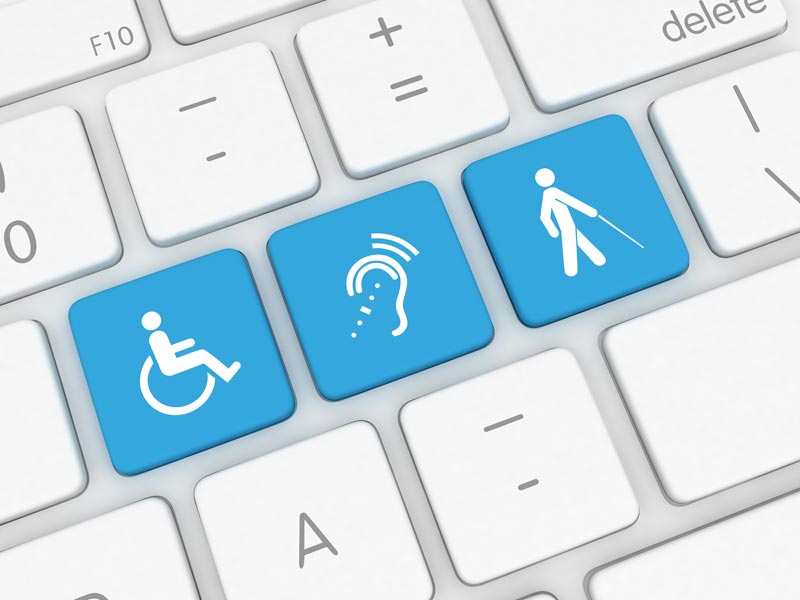

Among the people visiting your business website, some will have disabilities. The Australian Network on Disability reports that roughly 20% of the population has a disability of some kind. Furthermore, depending on your business, you’ll also hope to attract customers outside the country; in the world as a whole, an estimated one billion people live with a disability.
5 Website Design Tips for Designing for People with Disabilities
- Make clicking easier
- Supply alternative text
- Provide transcripts and captions for videos
- Aim for a clear presentation
- Check for keyboard functionality
Disabilities vary in severity and type. They include impairments in vision, hearing, motor skills, learning and cognition. Chronic illnesses and mental health disorders are additional examples.
There are ways of making your website more accessible to people who have disabilities. By providing them with accommodating features, you’re making your site a more welcoming place and potentially broadening your customer base.
The following are five tips that will help you with website design for people with disabilities.
5 Website Design Tips for Designing for People with Disabilities
1. Make clicking easier
Websites have all kinds of clickable elements, such as social media icons, navigation arrows, and text and images with hyperlinks. If you make these too tiny or buried within other visual content, they’ll be harder to detect, aim for, and click on.
2. Supply alternative text
Website visitors with visual problems may detect little to no details in the images you’re displaying; these include photos, icons, graphics, diagrams, and charts.
Alternative text gives people a succinct, meaningful description of the image. Website visitors may use screen-reading tools that let them process the text in a format they’ll better perceive (whether it’s text-to-speech, magnifying the words, or having the text transmitted to a Braille output device).
Textual description includes the information you put in an image’s HTML “alt” attribute. Another example of helpful supplementary or alternative text is a quick summary of the data presented in a diagram. And regarding any links you display, make sure they contain more information than simply “click here.”
3. Provide transcripts and captions for videos
Text transcripts, for example, can help people with hearing impairments understand the content of a video.
Furthermore, people with visual impairments can benefit from audio descriptions that give them a better idea of details they may be missing out on in a video, such as important actions or certain features in the setting of a scene.
4. Aim for a clear presentation
It’s often easier for people, even when they don’t have disabilities, to read your text and quickly search through your site when there are adequate contrasts between colours – for example, between the text and background and between hyperlinked text and regular text. Even though you shouldn’t rely on colour alone to give clarity to your site, it’s still an important design consideration.
Another suggestion is to organise and structure your content in meaningful, easily scannable ways. Lists are one example for how to do this. You should also use headings, marked with the appropriate HTML elements that screen-reading technology can pick up on. When choosing what HTML to use, for example, in formatting tables, think about how screen-reading technology will detect and process it.
Select fonts that are easy to read. And make sure your site’s text is straightforward and clear, without huge, dense paragraphs, overly complicated sentence structure, or irregular punctuation.
5. Check for keyboard functionality
Some people with disabilities won’t use a mouse but will navigate through a site with only a keyboard. Are there any features on your site that can impede keyboard navigation? For example, a dynamic drop-down menu is a potential barrier for keyboard navigation; fortunately, you can provide alternate ways to navigate these menus without having to get rid of them entirely.
Don’t hesitate to contact us for further advice and guidance on making your business website more accessible. Your website will be able to accommodate more people, helping you develop a stronger relationship with a wider variety of customers.
Let Pixel Fish take your business to the next level with a Stunning Business Website.
Check out some of our latest Website Design projects and Testimonials.
• Professional Services Projects
• Financial Services Projects
• Branding and Website Design Projects
• Arts and Entertainment Projects
• Training and Education Projects
• Ecommerce Website Projects
• Building, Construction and Trade Projects
Further Information
Top 4 Benefits of Using Icons in Web Design
Top 10 tips for Creating the Perfect Website Footer
Amazing WordPress Statistics Worth Knowing
Best Practices for Staying Safe on Social Media
How To Create A High Converting Website For Your Business