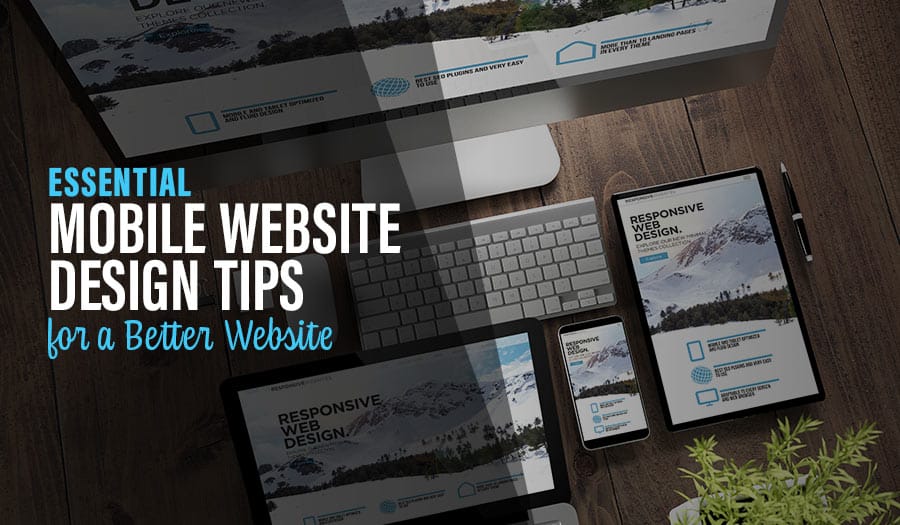

In today’s dynamic digital world, having an optimised mobile website is no longer a luxury but a necessity. With mobile devices accounting for over 54% of global website traffic, businesses must prioritise mobile website design to stay ahead of the curve. Let’s explore Essential Mobile Website Design Tips for a Better Website.
This blog post dives into the essentials of mobile website design—techniques, practices and tools—to create a seamless mobile experience that converts visitors into loyal customers.
Mobile Web Design: A Short Summary
- Mobile website design is essential to capture global internet traffic, serve mobile users and improve UX.
- Professional mobile web design should focus on simplified navigation, readability and optimised media to lift engagement and conversions.
- Leverage frameworks, testing/analytics tools and expert advice from Pixel Fish for effective mobile design.
Essential Mobile Website Design Tips for a Better Website
- Understanding Mobile-Friendly Websites
- The Significance of Mobile Website Design
- Key Elements of Effective Mobile Website Design
- Top Mobile Website Design Practices to Implement
- Tools and Resources for Mobile Website Design
Understanding Mobile-Friendly Websites
A mobile-friendly website is optimised for all devices and provides the best experience on small screens. Mobile web design differs from desktop: screens are smaller, elements stack in a single column, and text/buttons scale for easy reading and tapping. Done well, mobile-friendliness opens new opportunities, expands your audience and drives more leads and sales.
This breaks down into three parts: mobile devices and user behaviour, responsive web design vs a separate mobile site, and the benefits of responsive design over separate m-dot sites.
Mobile Devices and User Behaviour
Design for how people actually use phones: prominent search, clear contact options and fast paths to key tasks. Responsive design helps your site look great and perform well on any device, improving navigation, speed and overall usability across screen sizes.
Responsive Web Design vs a Separate Mobile Site
A separate mobile site lives on its own URL; responsive design fluidly adapts to the viewport. Responsive lets one codebase serve desktop and mobile, while separate sites can be lighter but add complexity. For most businesses, quality responsive templates (e.g., those that automatically move the menu into a hamburger) are the best starting point.
Benefits of Responsive Design vs a Separate Mobile Site
Responsive design typically wins on usability, maintenance and SEO. Advantages include faster time-to-market, one set of content to manage, better consistency, reduced bounce and stronger mobile search performance. Separate sites require double handling of content and design and are harder to keep current across new devices/OS versions.
The Significance of Mobile Website Design
Most web sessions now start on mobile, so a mobile-optimised site directly impacts UX, engagement and conversions. Mobile is a core digital hub and a gateway to offline action (calls, visits, purchases). Prioritise mobile if you want to rank well and convert more.
Catering to Mobile Users via a Mobile-Friendly Website
Use flexible layouts, media queries and relative units; compress images; cache; minify code; and use a CDN. Make search and contact effortless, and rely on HTML5 for media/interaction (ditch Flash). The goal: a frictionless, fast, finger-friendly journey.
Google’s Mobile-First Indexing
Google primarily evaluates your mobile version for rankings. Ensure content parity, clean HTML, accessible navigation, fast load, structured data and legible typography on mobile. A strong mobile experience improves visibility, traffic and conversions.
Impacts of Poorly Optimised Mobile Websites
Expect slow loads, high bounce, poor rankings, fewer leads and lost revenue. Fix with responsive layouts, simplified navigation, larger tap targets, short forms, performant media and clear contact options.
Key Elements of Effective Mobile Website Design
Focus on simplified navigation, readable typography and optimised media.
Simplified Navigation
Keep menus short and scannable, surface core paths, and use clear labelling. Hamburger or tabbed nav can work—ensure it’s obvious and reachable with the thumb.
Readability and Typography
No pinching or horizontal scroll. Use generous font sizes, line height and contrast. Keep copy concise with meaningful headings and short paragraphs.
Optimised Media and Loading Speed
Compress and properly size images (WebP/AVIF where possible), lazy-load below-the-fold media, defer non-critical scripts and leverage CDNs. Faster sites earn better engagement and SEO.
Top Mobile Website Design Practices to Implement
Prioritise Content and Functionality
Lead with the essentials: value proposition, primary CTAs and core tasks. Design mobile-first layouts, ensure accessibility (WCAG 2.2 AA), and use semantic HTML.
Enhance User Interactions
Keep patterns familiar, feedback immediate and tasks effortless. Consider mobile-only conveniences like click-to-call, location services, wallet payments and lightweight messaging.
Streamline Forms and CTAs
Place CTAs above the fold; keep forms short; enable auto-complete and proper input types; show real-time validation; and provide trust signals near actions.
Tools and Resources for Mobile Website Design
Design Tools and Frameworks
Figma for design; WordPress + quality themes/builders; React/Next or similar for custom builds. Use modern CSS (flex/grid), container queries and design tokens for consistency.
Testing and Analytics
Monitor with Google Analytics/GA4; audit with Lighthouse, PageSpeed Insights and WebPageTest; analyse UX with Mixpanel/Amplitude; record sessions ethically with UX tools. Iterate based on real behaviour.
Pixel Fish are experts at Mobile Website Design
Pixel Fish designs fast, mobile-first WordPress sites that are accessible, brand-consistent and built to convert. From responsive layouts and intuitive navigation to optimised media and high-performing forms/CTAs, we craft mobile experiences that turn visitors into customers.
In short: mobile matters. Embrace responsive best practice, ship fast pages, and keep improving with data. Your customers (and your rankings) will thank you.
Frequently Asked Questions
What website design is mobile-friendly?
A responsive layout with mobile menus, accessible typography, clear spacing, fast media and tap-friendly controls across phones and tablets.
What is mobile design in web design?
A mobile-first approach: design for small screens first, then progressively enhance for larger viewports with responsive techniques.
Which approach makes a desktop site mobile-friendly?
Responsive web design—fluid grids, flexible media, CSS breakpoints—so one site adapts to any screen size (and supports SEO).
What are the key elements of effective mobile website design?
Simplified navigation, readable typography, swift loading, short forms, clear CTAs and accessible, task-focused content.
Take your business to the next level with a Pixel Fish Website.
Check out some of our latest Website Design projects.
View some case studies of our website design work:
Othman Lawyers
Arena Mars
Joe Pien Chartered Accountants
Further Information
Why you should use Elementor for your new WordPress Website
An Introduction to Website Design for Small Business
How Professional Custom Web Design Can Help Your Business Stand Out Online
Understanding WooCommerce Website Development for Ecommerce Success
Get the Best Custom Website Design Solution for Your Business
Comprehensive Guide to Ecommerce Web Design